

User profile and notification preferences
Managing your profile
Access your personal settings by clicking the three dots in the lower-left corner, then selecting Profile. From here you can set your Default dashboard, which controls the default homepage you see when you log in. Choose the view most relevant to your role so you can get straight to the data that matters.
Notification preferences
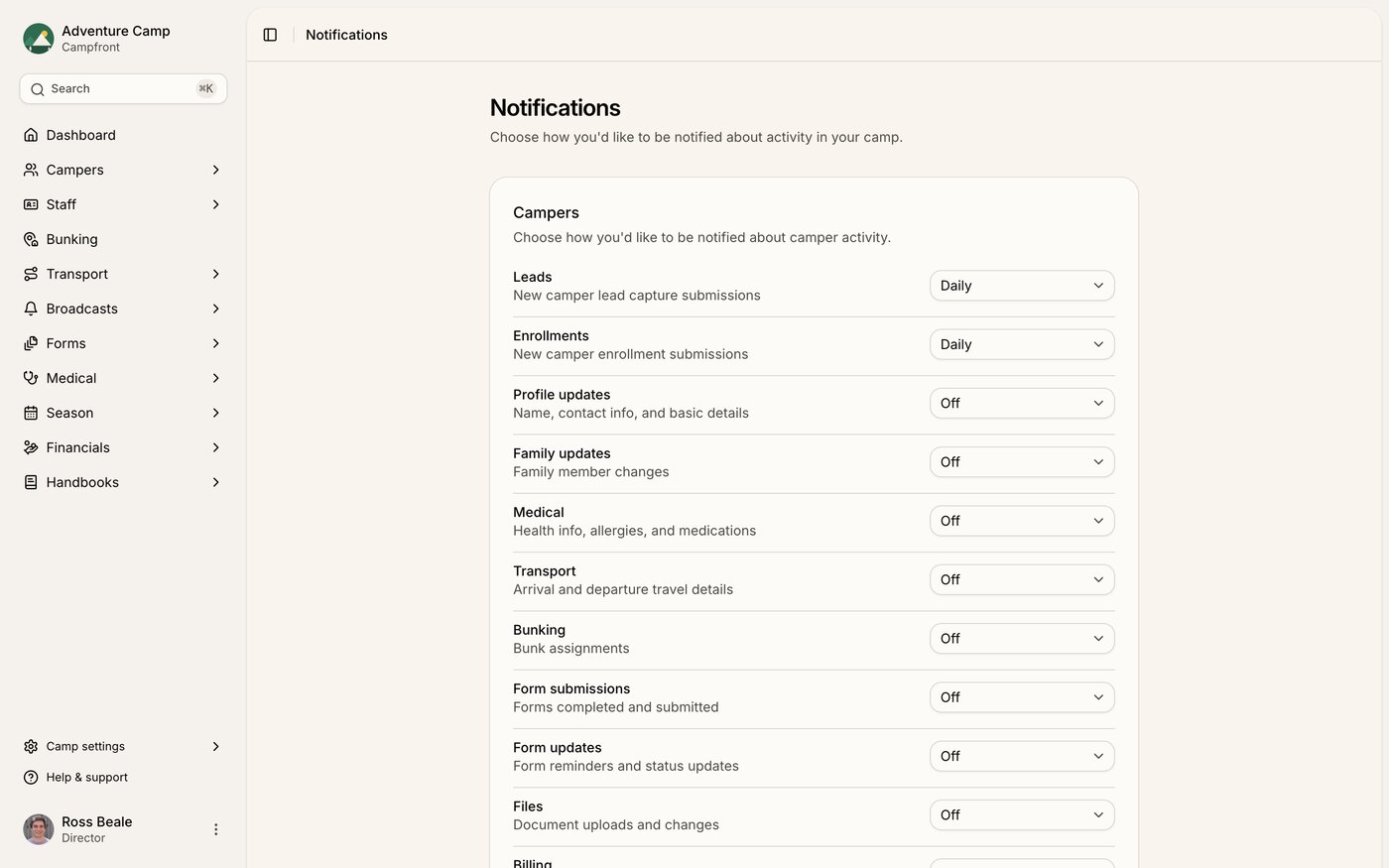
Control how and when you hear from Campfront by clicking the three dots, then selecting Notifications.
You can set the frequency for alerts across specific areas - medical, billing, transport, and more - choosing between Off, Instant, or Daily digest for each. For each category that supports it, you can also choose whether you're notified about Everyone's activity or only the campers and staff Assigned to me. A few categories don't offer that choice because they're pinned to one scope: new leads always notify everyone, while task and assignment notifications always go only to the people involved - a task's creator and assignee, or a responsibility center's members.
This gives you the flexibility to stay informed about what matters without being overwhelmed by notifications outside your area of responsibility.